
Backrooms Hiding Spots - Meccha Chameleon Guide
Meccha Chameleon Backrooms guide - the intermediate yellow-wallpaper map. Best hiding spots, why it is so hard for new hiders, and palette matching tips.
Last updated: 2026-06-23
Backrooms: Best Hiding Spots
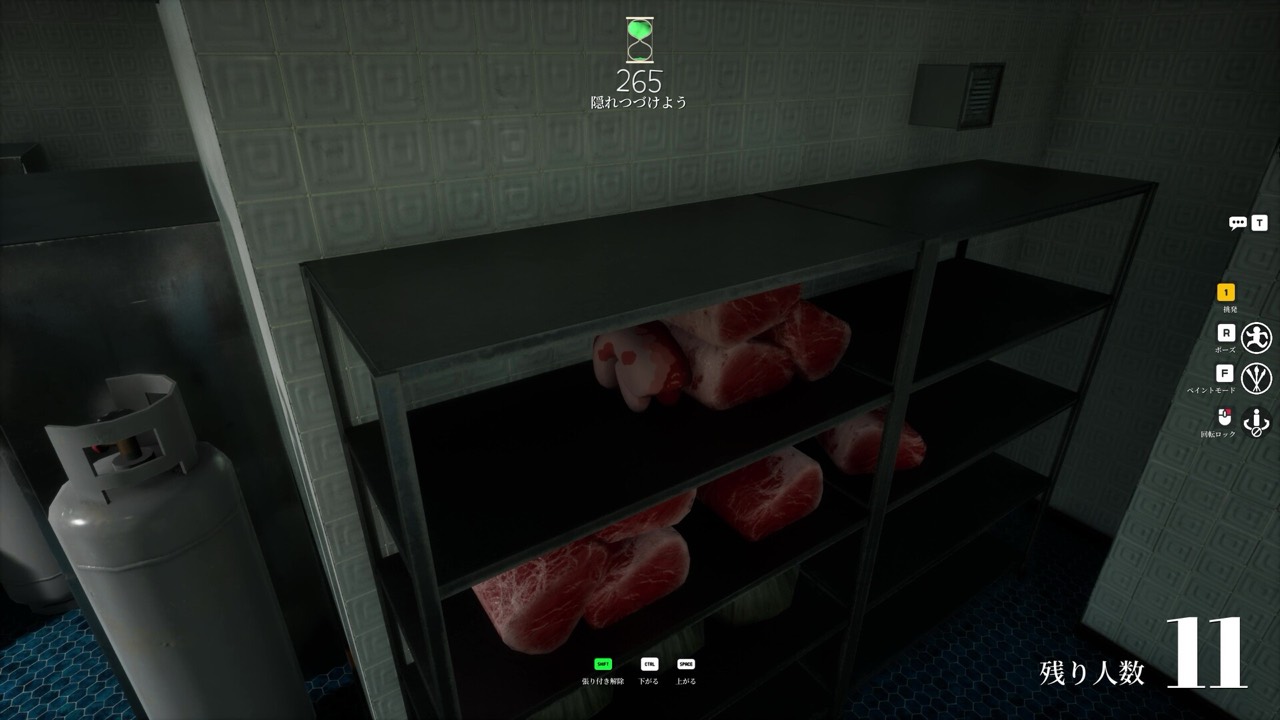
The Backrooms is the intermediate map in Meccha Chameleon, and it has a reputation it earns: it is the hardest default stage for brand-new hiders. The whole place is endless yellow wallpaper, buzzing fluorescent lights, sparse office furniture, stacked chairs, and rows of vending machines. That flat, uniform wallpaper looks easy and is anything but. There is nowhere to break up your silhouette, so a blob that is even one shade off or a few degrees misaligned sticks out like a stain. If you are still learning mecha chameleon, get comfortable on the Mansion first.
Difficulty and surfaces
- Difficulty: Intermediate, but the skill floor feels high because of the unforgiving walls.
- Surfaces you will paint: uniform yellow wallpaper, gray office carpet, stacked plastic chairs, cardboard boxes, vending machine fronts, and the occasional exit sign or red fire extinguisher.
- Lighting: harsh, even fluorescent light with very little shadow to hide flaws.
The core problem is the wallpaper. Matching it means nailing one exact shade and aligning perfectly so your edges disappear. There is no clutter to forgive you, which is exactly why people who master the Backrooms tend to clean up everywhere else.
Best hiding spots in the Backrooms
- Inside a stack of chairs. Tuck into a pile of stacked plastic chairs and impersonate one chair in the stack. The tangle of legs and backs breaks your round outline, which the bare walls never will.
- A cardboard box in a pile. Become one box among several. Match the brown corrugated tone and square off your pose. A cluster of boxes hides an imperfect edge far better than open wallpaper.
- Flat as a green-and-white exit sign. Press against the wall near a door and mimic the exit sign. The sign already lives at that spot, so your shape reads as expected.
- Beside a red fire extinguisher. These wall-mounted accents give you a real object to copy and a reason to be against the wall. Match the red and the mounting bracket shadow.
- Hugging a wall-panel seam. If you must take open wallpaper, find a seam or trim line and align your body so the existing line cuts your outline in two. That broken edge is the difference between invisible and obvious.
On every spot, layer your paint - dominant mid-tone, a subtle shadow tone, and a sparing highlight. On the flat wallpaper especially, one solid color screams "blob." Add believable grain so the surface does not look suspiciously perfect.
What seekers check first
Backrooms seekers know the walls do the work for them, so they sweep efficiently.
- Long open hallways, scanning the flat wallpaper for any bump or color shift.
- Clusters of chairs, boxes, and vending machines - the only real cover, so the only place good hiders go.
- Surfaces that look too uniform, with no shadow detail, where a flat-painted blob hides.
Seeking here is mostly about parallax and alignment. Strafe and watch for a "panel" that shifts, or a stretch of wallpaper where the pattern fails to line up. More technique in the seeker tips.
Recommended palette
The Backrooms is all about one perfect shade. In the free palette tool, start from the yellow-wallpaper preset to get into the right range, then fine-tune the HSV until it matches the exact wall you are hiding against - lighting changes the shade across the map. Keep roughness matte so you do not glare under the fluorescents, and grab the cardboard and gray-carpet presets for the prop and floor spots.
If the painting workflow is new to you, read the paint guide and how to play first. Then plan your disguise with the free camouflage palette matcher.