
Can You Play Meccha Chameleon on Mac or MacBook?
Can you play Meccha Chameleon on Mac or MacBook? No native macOS build. See the mecha chameleon Mac options: CrossOver, Whisky, cloud gaming or a Steam Deck.
Last updated: 2026-06-23
Can You Play Meccha Chameleon on Mac or MacBook?
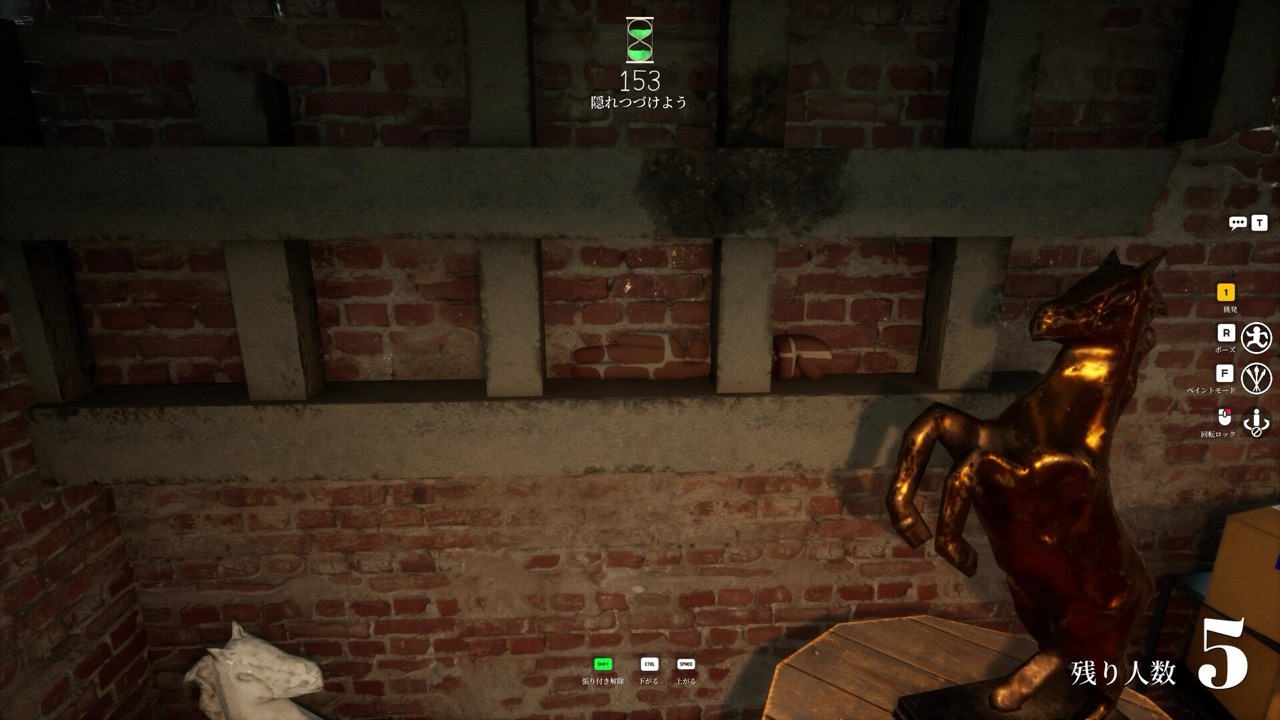
Short answer: there is no native Mac version of Meccha Chameleon. The paint hide-and-seek hit ships on Windows PC through Steam only, so a Mac or MacBook cannot install and run it the normal way. The game (often searched as "mecha chameleon" with a single c) has no macOS build, no App Store listing, and no announced Mac port. If you are on Apple hardware, you have a few workarounds, but a real Windows PC stays the reliable choice.
Below is the honest rundown of every Meccha Chameleon Mac option, what each one costs you in effort, and why none of them fully replaces a Windows machine.
Why there is no native Meccha Chameleon Mac build
On its Steam page, the game lists Windows as the only supported platform. The macOS and Linux flags are both off. That means you will not find a download that runs straight on macOS, whether you own an Intel Mac or an Apple Silicon model like an M1, M2, M3 or newer MacBook. The studio has not announced a Mac version, so do not wait on one before you decide how to play.
It is worth saying plainly: any site claiming to offer a "Mac download" or a "macOS installer" for it is not the real game. Stick to the official Steam store page and treat everything else as a clone or a scam.
Option 1: CrossOver or Whisky (a Windows compatibility layer)
The most common path Mac players try is a Windows compatibility layer. CrossOver is a paid tool, and Whisky is a free open-source one, both built on the Wine project. They translate Windows calls so a Windows game can run on macOS without a full virtual machine. For the exact click-by-click setup, follow the step-by-step guide to playing Meccha Chameleon on Mac.
In theory you can install Steam through one of these layers, then install Meccha Chameleon and launch it. In practice this is unofficial and unsupported. Expect rough edges: it may crash on launch, the painting may stutter, or online matchmaking may not connect cleanly. Performance is not guaranteed, and you do this at your own risk. If you try it and the game will not connect, the usual fixes still apply: verify the game files in Steam, check your firewall, restart Steam, and look at the Steam status page. For the full troubleshooting list see the online and connection guide.
Option 2: Cloud gaming
Cloud gaming streams the game from a remote Windows machine to your Mac, so the heavy lifting happens off your device. If a cloud service in your region carries it (or lets you stream your own Steam library), a MacBook can play it through a browser. You will need a fast, stable connection, and input lag can hurt the quick painting and seeking moments. Availability depends on the service, so check before you subscribe.
Option 3: Buy a Steam Deck
A Steam Deck runs Meccha Chameleon and is rated Playable (not Verified), at roughly 30 to 40 FPS. For a Mac household that wants a real, owned way to play without a Windows desktop, a Deck is a tidy answer. The small screen and trackpad make the precise color matching harder than a mouse, but for casual matches it works. See the platforms overview and the system requirements for the wider picture.
What about Boot Camp?
Boot Camp let older Intel Macs dual-boot Windows, which would have run the game natively. But Apple Silicon Macs (M1 and later) cannot use Boot Camp at all, so this route is closed for any modern MacBook. That is a big reason the compatibility-layer and cloud options get so much attention from Mac owners.
The bottom line for Mac and MacBook players
There is no supported macOS version of Meccha Chameleon, and every workaround carries caveats. CrossOver or Whisky might work but are unofficial; cloud gaming depends on your region; a Steam Deck costs money but plays it reliably. For the smoothest mecha chameleon experience, a Windows PC is still the safe bet. Misspellings like "mecca chameleon" point to the same game, so do not let a typo send you to a fake Mac download.
Curious about the rest? Skim the FAQ, check the price, or learn the basics in how to play. Plan your disguise with the free camouflage palette matcher.