
Sugarland Map Guide — Meccha Chameleon
Meccha Chameleon's candy-themed Sugarland map: when it was added, how to camouflage on bright sweets surfaces, and recommended palettes for the mecha chameleon map.
最近更新: 2026-06-23
Sugarland: Meccha Chameleon's Candy Map
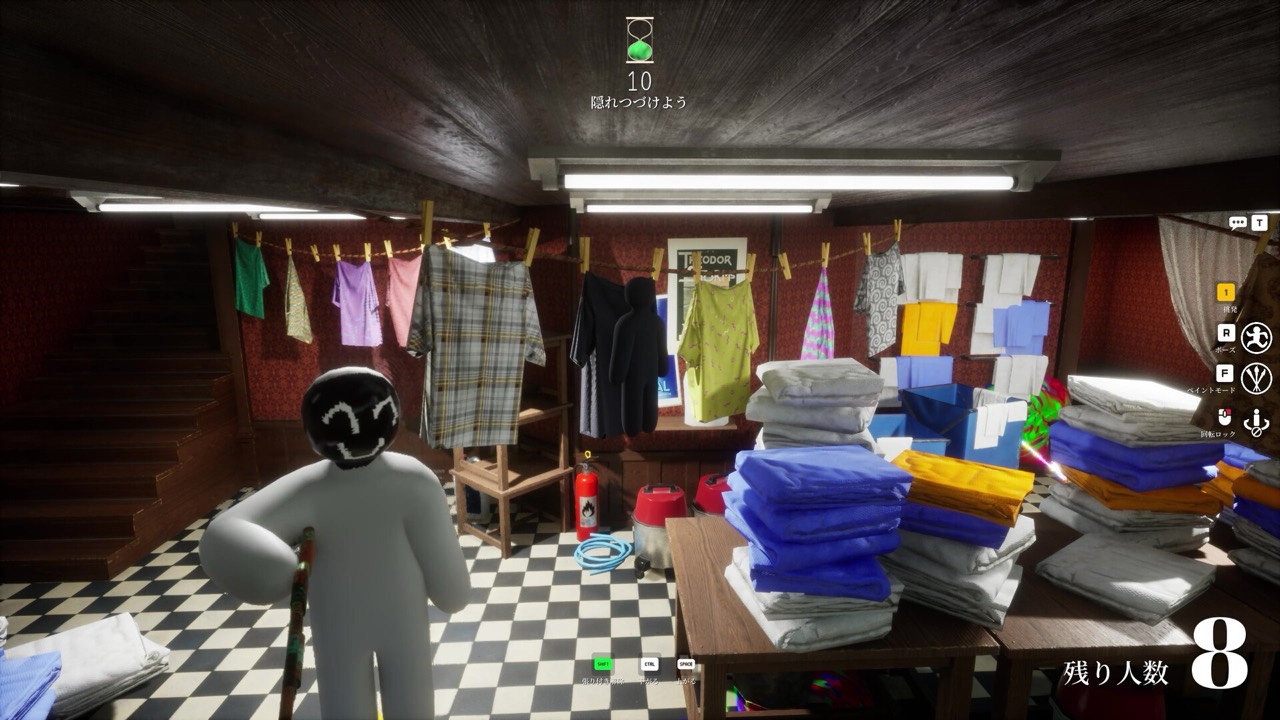
Sugarland is the candy-themed map in Meccha Chameleon, added in the v1.4.0 update on June 17, 2026 — the first widely covered post-launch map and the sixth official stage in the game. If you are new to mecha chameleon, it is a hide-and-seek party game where hiders paint their bodies to blend into the scenery, and Sugarland leans into bright, high-saturation confectionery colors.
What Sugarland looks like
Sugarland is a sweets-and-candy world: think saturated pinks, mint greens, chocolate browns and glossy candy surfaces. The bold palette is a gift for painters — strong, clean color blocks read as believable here in a way they never would on the muted Sewer walls. The flip side is that a slightly-off shade pops instantly against such vivid backgrounds, so precise matching still wins rounds.
How to hide on Sugarland
Specific spot-by-spot data for this map is still being verified in-game, so treat the spots below as a framework rather than a fixed list — and record your own finds with a screenshot before trusting them:
- Match the local candy surface, not a similar one nearby. Lighting and saturation shift between candy stations; eyedrop the exact wall or prop you will freeze against.
- Lean into saturated color-blocking. Sugarland rewards bold base tones more than the dim maps do, but you still need a shadow and a highlight — a single flat color is the number one giveaway.
- Pick a pose-friendly candy or cake prop first, then paint to its shape so your silhouette reads as part of the scenery.
Generate a believable base → shadow → noise → highlight plan from any candy surface with the free camouflage palette matcher, which ships preset Pink candy, Mint frosting and Chocolate caramel palettes for this map.
What seekers check
As a seeker, scan edges, corners and prop clutter first, then open sightlines — and look for the one shape whose color is slightly off the candy palette. The brighter the map, the more a small mismatch betrays a hider.
For the full toolkit, read the paint & color guide, the general pro tips, and browse all Meccha Chameleon maps. New to the game? Start with how to play.
Plan your disguise with the free camouflage palette matcher.